And today, I made my debut on The Sweet Setup with review of a number of iPhone 6s cases. We put together a research list of about 10 different cases and put them all to the test to see which would take the crown.
In the end, I’m most attracted to Apple’s own Silicone and Leather cases. The turqouise colour on Apple’s latest Silicone case is to die for and the case as a whole is a winner. From colour, to thickness, to buttons, to protection, the Silicone case checks all the right boxes.
I’m personally most attracted to Apple’s latest Saddle Brown Leather case. The Leather case takes the cake in terms of looks and elegance, but its button presses are mushy and Apple’s Leather cases are known for picking up the colour of your denim jeans after extensive use. For now, my Saddle Brown Leather case is aging beautifully, but I’m worried it’ll start to turn blue after awhile.
Even if Apple’s Silicone or Leather cases aren’t your style, we outlined a fair number of other cases which might suit. I’m particularly fond of Otterbox’s heavy duty Commuter and Defender cases, especially when its time to get into the thick of things.
Head on over to The Sweet Setup to check out the full review.
Subscribe to The Newsprint
Enjoy these posts? Subscribe to get more, delivered right to your inbox.
Last week, the team at The Sweet Setup launched its first full-fledged e-book. “Day One In Depth” is a 45,000 word e-book outlining every feature, setting, preference, and option found in Day One on OS X and iOS.
Although my name shows up on the author list, I can’t take credit for too much of the work. Shawn, Stephen, Bradley, Chris, and Jeff all worked their tails off to bring this book together. I snapped some photos here and there to add some visual presentation to the book, but I can’t see the photos measuring up to the research these guys put in.
“Day One In Depth” is currently ranked #4 in Apple’s iBooks reference category and can be yours for $8 for the rest of the launch week.
I don’t think “iPad Pro” is the right name for Apple’s latest device.
It was immediately obvious this device has little in common with previous iPads. The only major common ground is iOS 9 itself.
Take, for instance, the iPad Pro’s weight. It’s only 1.57 pounds, essentially equal to the first generation iPad. But with a larger surface area, that 1.57 pounds is mostly housed in the part not resting in your hands. And it’s far less comfortable to hold for long periods of time.
Or take the size of the iPad Pro. It’s large, yes. But it’s too large to use while holding the device with one hand, and it’s uncomfortable to use for long periods of time while laying on your lap.
Both size and weight are paramount to what we have come to know as “using an iPad”. And if we measure with that stick, well, the iPad Pro isn’t an iPad.
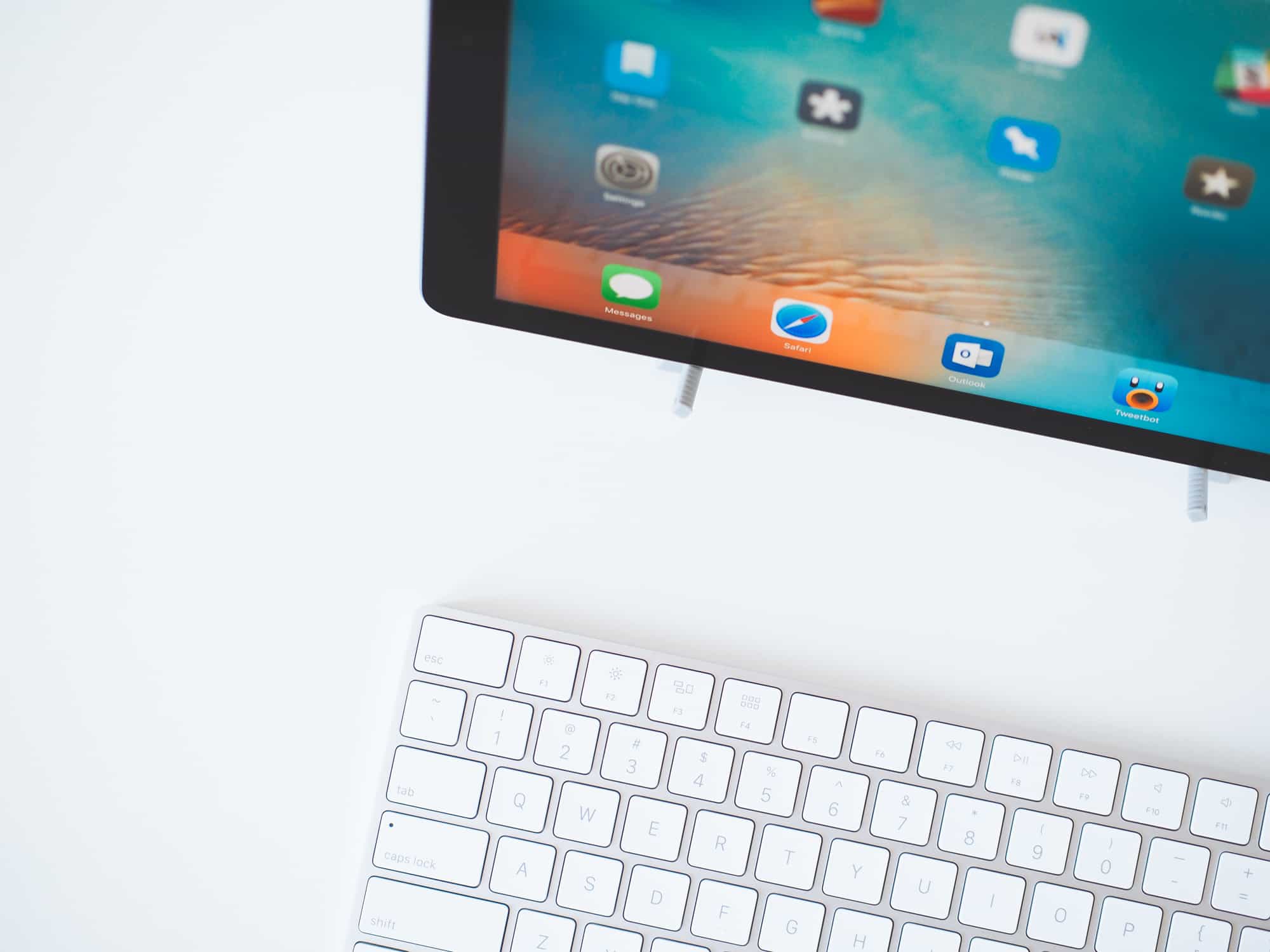
This fact is driven home the moment you put a keyboard in front of the iPad Pro or the moment you pull out Apple’s new Pencil. iOS 9’s keyboard support lags behind right now, with short delays in Spotlight Search or with mis-typed words when quickly switching between apps. Even with all the bugs, it’s still a joy to use. And although I haven’t been able to try the Apple Pencil, I know why the Pencil was created — this screen begs to be used like a large notepad or sketchbook. Be it a keyboard or the Pencil, you can’t say these same things about prior iPads.
Then there’s iOS 9’s split-screen multitasking. I’ve fallen in love with it on the large 27” iMac screen, but it was designed for the iPad Pro. Split-screen multitasking comes to life on the iPad Pro, to the point that it looks awkward if only one app is open.
And finally, perhaps the most important difference between what we know as an iPad and what the iPad Pro signifies is Horace Dediu’s “two-handed interaction model.” Unlike OS X, two split-screen iOS apps can be interacted with at the same time. Instead of a single, one-off mouse click, you can tap, hold, and drag with multiple fingers all at once in iOS. We’ve had this for some time on iOS devices, but the added screen space on the iPad Pro brings this to light in entirely new ways.
So, is “iPad Pro” the right moniker? Not likely. This device isn’t an iPad. I’ve never used an iPad like I use this device. I’ve never enjoyed resting an iPad flat on the table to type out a long iMessage, yet I’ve done it multiple times with the iPad Pro in the last 24 hours. I’ve always enjoyed strolling around the house while reading the news on my iPad, but I can hardly hold the iPad Pro with one hand for more than a minute, let alone not feel like a clown with a gigantic slab of glass and aluminum resting in my forearm. And, most importantly, I’ve always shied away from using my iPad like a laptop computer. Yet, here I am, using my iPad Pro to write for the first time in a very long time.
The iPad Pro isn’t an iPad. It’s something different. Something new. And to my mind, something so much better.