Another Sunday is here! Welcome friends. We spent five days camping in a one-bar-of-LTE-but-still-won’t-work area last weekend, so this is the first installment of the Sunday Edition in a few weeks. The days off were a good recharge, but I also can’t say it was fully enjoyable. I’m not sure a person can go from a long period of heavy work to instant shut-off without a slower pullback of sorts. I think things were too abrupt for me, and it impacted our time away.
This week marks the sixth and final leg of the Canadian tax program I have worked through this last three years. I started in 2009 and have had two years in that span with no post-secondary education. Fortunately, though — just ask my wife — I’m not allowed to take the next course until I’ve completed three more years of post-designation practice. So after July 17th, I’m done. I’ve said “I’m done” once or twice before and ended up reneging on my comment. But, until 2028 or 2029, I’m very truly done.
I promised I would dive into a few first impressions/review/re-review pieces, so here’s the first: my first impressions of the M5 iPad Pro.
My Story of the M5 11-inch iPad Pro: I’ve Been Here Before
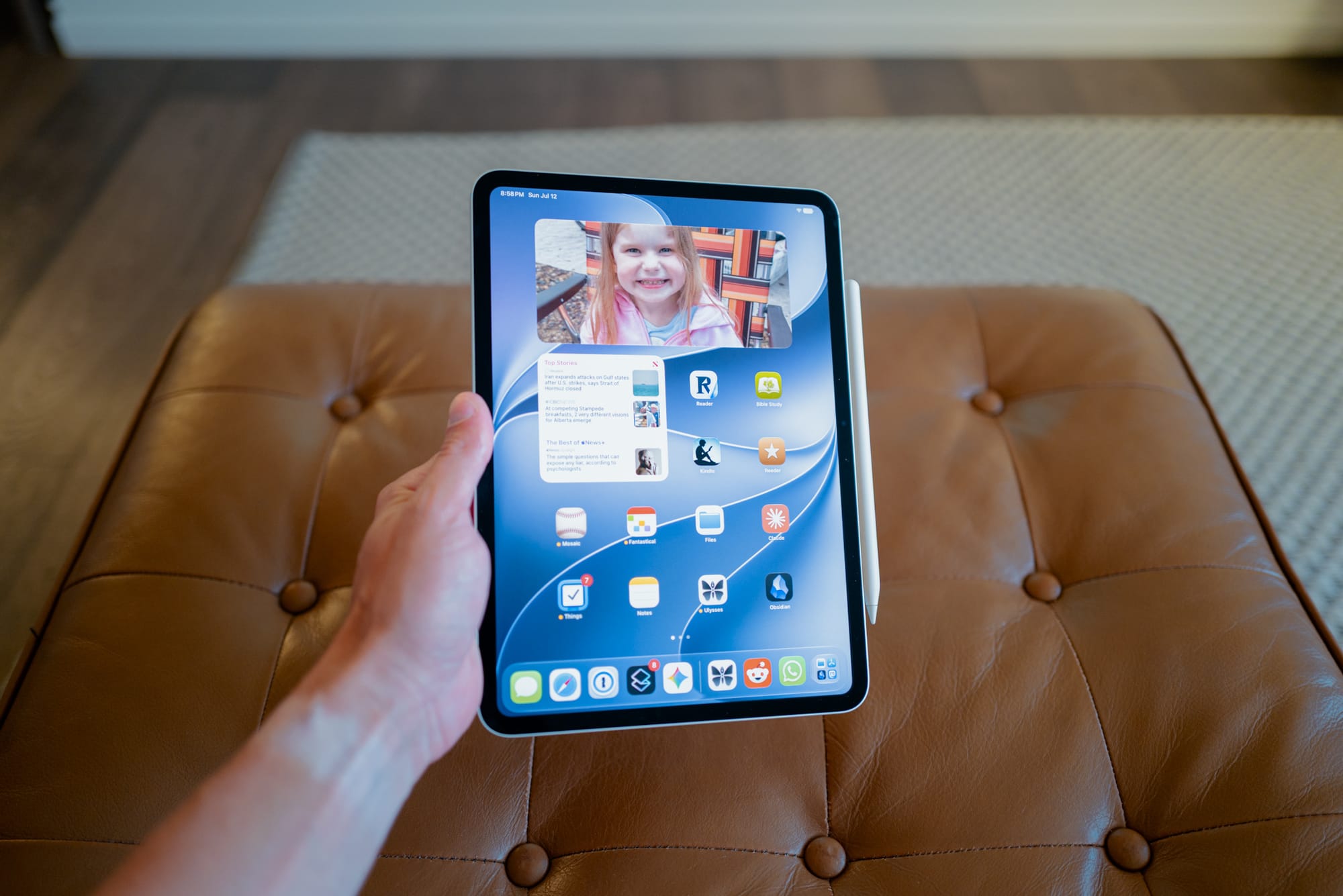
I’m sure I’ve mentioned my affinity for the latest iPad. There are very few top-of-the-line iPads I haven’t owned at one time. I skipped iPad Gen 4 and the M2 iPad Pro, but otherwise I believe I’ve owned each top-end iPad from inception. I’ve also owned an iPad Mini in there at one point. You are welcome to roll your eyes.
In that timeframe, the latest iPad is always the best iPad. When you move from the 11-inch to the 12.9-inch iPad, for example, the “12.9-inch iPad is how the iPad should have always been”. Or when you move down the size scale to the mini, the impression becomes “I never really needed the size of the 12.9-inch iPad anyway”.
In the moment, those impressions are totally true. But eventually, everything reverts to the mean. And this includes the 11-inch iPad Pro. After two months of returning to this size of iPad, I’m now convinced I’m most likely to settle on this size of iPad forevermore. It’s a combination of handy and ergonomic; technically sound and adept; and portable and whimsical all in one package.
I’ve said it a few times before: I’ve fallen in love with the iPad all over again. The M5 iPad Pro is no different.
Size and Portability
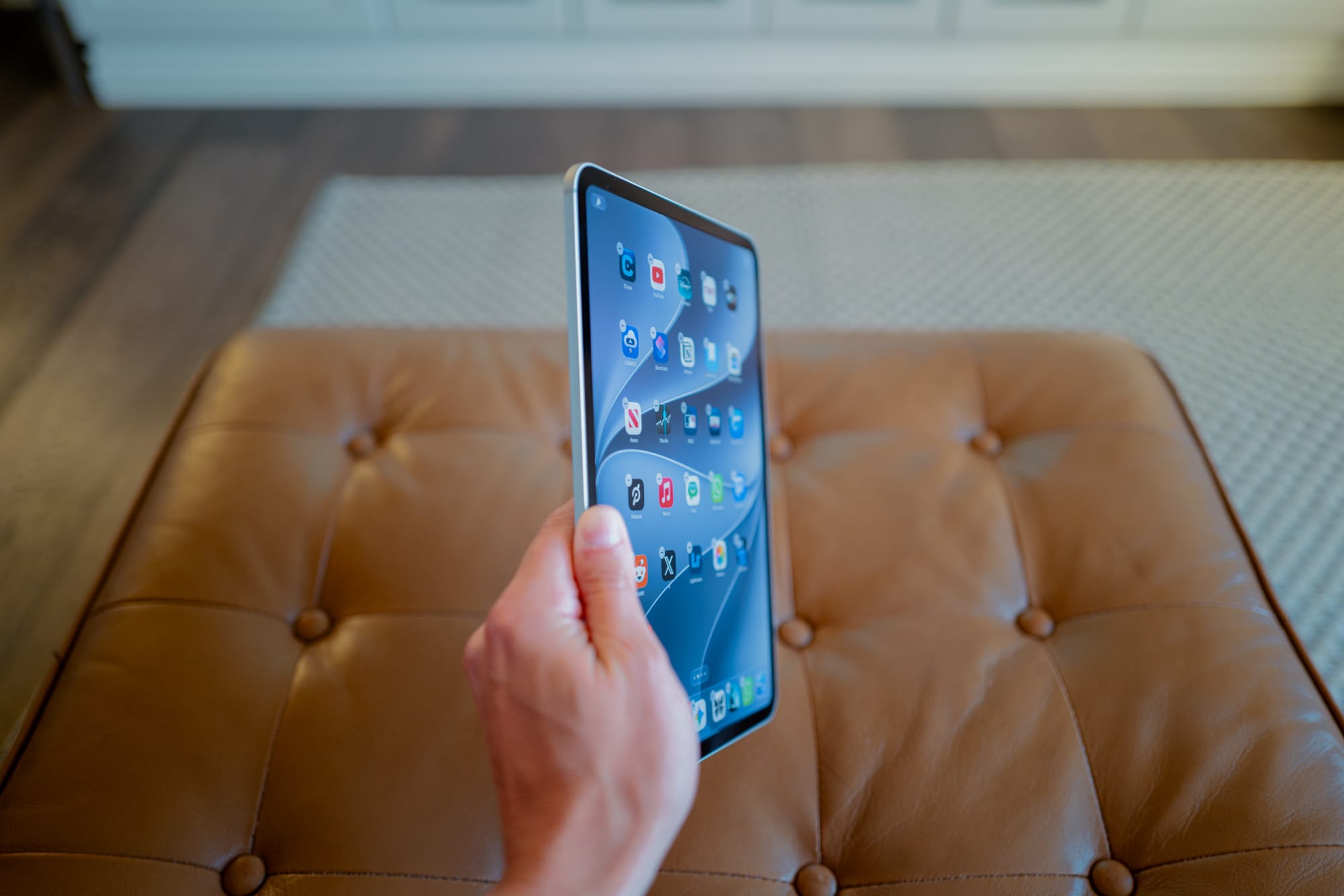
I opted for the 12.9-inch M4 iPad Pro a few years ago because it came with the thinnest iPad chassis ever designed. That thin design was beautiful and a technical marvel, and it made using that massive 12.9-inch iPad Pro far easier than thicker predecessor options. After an extra generation, that same thin chassis has come to the M5 iPad Pro, and it also makes a world of a difference. We have an older M1 iPad Pro in the house for the kids, and it’s surprising how much thinner this latest generation fills in the hand.
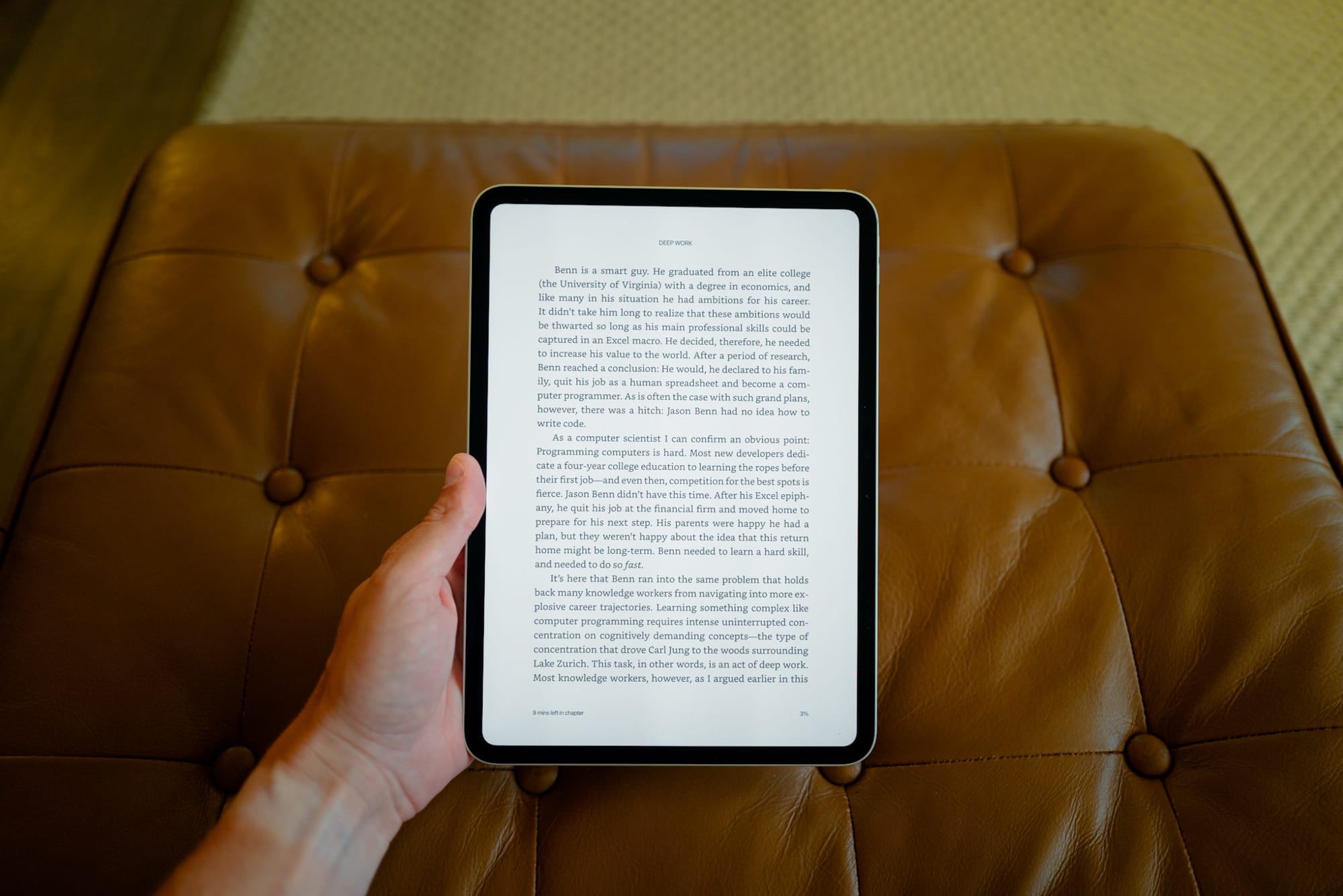
That thinness makes for improvements in several areas, mainly in where I’m using the iPad. I find I’m opting for the iPad in more physical areas, including our back deck (more on this in a bit), in bed for reading, and at the office. These were areas I wouldn’t use the 12.9-inch iPad Pro, be it because of size, or screen reflectivity, or because apps weren’t truly optimized for that big screen.
The result is the M5 iPad Pro is my most-used personal tech device, even after the honeymoon period has lapsed. When I get home, so often my iPhone hits the desk and the iPad is pulled out. From watching TV, reading books, minor writing and journalling, and browsing the internet, this M5 11-inch iPad Pro is a wonderful, wonderful size to return to.
Nano Texture
This is likely the core reason for being able to use the 11-inch iPad Pro in more places than the prior, larger 12.9-inch iPad Pro. Nano texture on the iPad is the feature I didn’t know I needed (there’s that line again) and is the feature more people would love if it wasn’t so stinking expensive to purchase. Diffusing harsh sunlight or harsh overhead lights make a nano texture iPad Pro so much more useful in so many more spots. And in my short period so far, I haven’t found any drawback in terms of sharpness or contrast when viewing all forms of media.
My understanding is that there are multiple kinds of nano texture finishes across Apple’s device lineup. I have a few different options to compare (roll those eyes again) across an iPad Pro, MacBook Pro, Studio Display, and Studio Display XDR, and the Studio Displays are far and away different from the iPad Pro and MacBook Pro. If I understand correctly, the Studio Displays are physically etched, while the MacBook Pros/iPad Pros are chemically etched. A few differences I’ve noticed:
- There is a visible difference in the smoothness of the nano texture finish; Studio Displays look grainier and rougher to my eye than the iPad Pro.
- Touching a nano texture Studio Display results in instant fingerprints; iPad Pro nano texture seems to handle fingerprints far better.
- You can use any cloth to clean a nano texture iPad Pro (though the included cloth is easily the best option), while you really should stick to only Apple’s cloth for the Studio Display.
- The Studio Display’s physical etching cuts down glare slightly better than either of the MacBook Pro or iPad Pro’s nano texture displays.
Overall, the nano texture on the iPad Pro makes for a newly useful device in ways I didn’t know the iPad could be. I would never take the device outside; now, it’s my favourite device for reading outside (aside from my reMarkable; oh, if reMarkable were to open up actual ePub annotations).
Squished Hardware and Software
Now, one area of “concern” is this 11-inch iPad Pro’s squished UI. For some, this may not be a big deal. And I think I’ll ultimately get over it. But there are times when I just want the full desktop view of a website, or the full three-panel view of the app, or a full-size Magic Keyboard. There are times when I feel “just alright” about the size of the user experience, and it’s generally most obvious when browsing the web or when attempting to multitask on the smaller 11-inch display.
Even writing this article — Ulysses as a standalone app looks beautiful and is wonderfully distraction-free, but do you want to know how many times I had to hit the “-“ key to get it right because it’s so squished on the Magic Keyboard? You can split-screen multitask on the 11-inch iPad Pro, to be sure, but there’s nothing quite like the side-by-side experience on the larger 12.9-inch iPad. Swiping in a Quick Note from the bottom-right corner? You can, but it’s tight, and you’ll be swiping that note all over the screen to get out of your way. And there’s perhaps enough room for a little picture-in-picture video of your favourite MLB game in the top corner, but you’ll be moving that thing all around the place just to read a simple article in Readwise.
Put another way, most software seems tuned for the 12.9-inch iPad Pro, even though the physical nature of the smaller 11-inch iPad Pro is significantly more comfortable. If you need proof, take a look at Apple’s iPad marketing pages — all software and screenshots are showcased in the larger 12.9-inch iPad Pro.
Apple may not necessarily love the larger iPad Pro more. It just may be the internet is built for larger displays. Despite my adoration for this smaller 11-inch iPad Pro, it certainly has a few shortcomings.
All in all, I have quite enjoyed my time with the nano texture M5 iPad Pro. It’s thin, light, and easily used in any setting, which has opened more doors than I expected. After all these years — after all these iPads — I continue to love the iPad platform as a whole. Perhaps Apple will surprise with a brand-spanking new M6 iPad Pro. If not, I imagine this M5 iPad Pro will be in my arsenal for a few years to come.
Quote of the Week
“The ability to perform deep work is becoming increasingly rare at exactly the same time it is becoming increasingly valuable in our economy. As a consequence, the few who cultivate this skill, and then make it the core of their working life, will thrive.”
— Cal Newport, Deep Work
The Second Cup
I haven’t published too many Fresh Links in the last week or two, so here are a few interesting links I’ve stumbled on recently.
Vernal L-shaped Executive Standing Desks — I’ve seen the Vernal name pop up more and more in the desk setup space, but I didn’t know they had this unique executive-style option. It might be a bit much for me, but still looks pretty slick.
The Everyday Churchman — You don’t need to go to church each Sunday to save this list of inexpensive but polished looks. You can find a lot of inspiration here.
Deep Work by Cal Newport — This is my seventh book since Christmas, so I am in my one-book-a-month range. Deep Work was excellent. One of my favourites so far. Next up, Clear Thinking by Shane Parrish.
Happy Sunday. I hope you have a wonderful week ahead.
P.S. — If you’d like to see this in your email inbox, please subscribe below. If you have trouble subscribing, shoot me an email, and I’ll get you on the list. Thanks for the consideration!