{% include image.html img=”https://static.thenewsprint.co/media/2018/01/Sunday-Edition-Hero-012818-1.jpg” title=”Photo by Aniket Deole” caption=”Photo by Aniket Deole on Unsplash.” %}
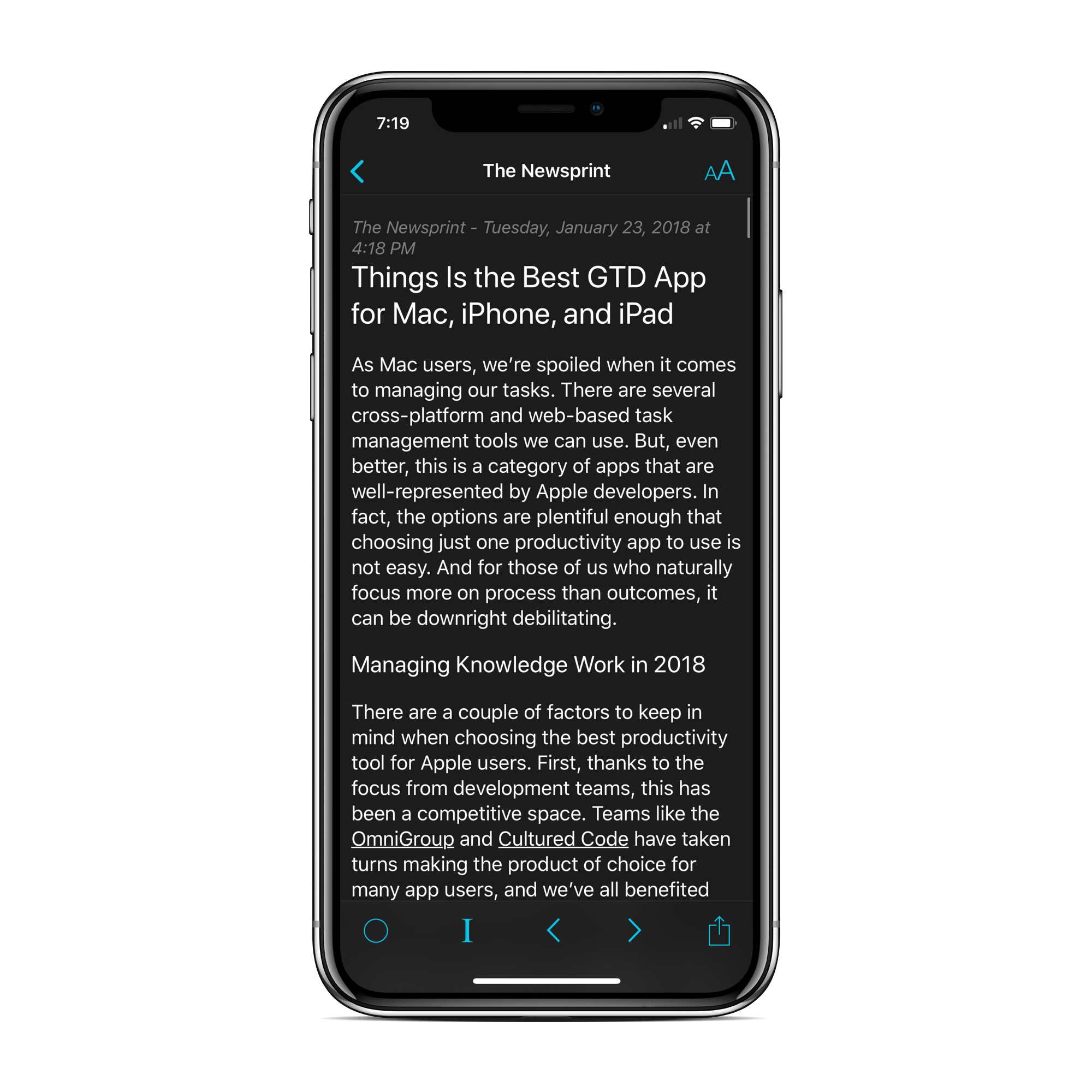
I’m really happy with the way our re-pick of the best GTD app for Mac, iPhone, and iPad went this week. Things 3 is an awesome app and very likely one of the most beautiful apps ever shipped. But the review does more than that, in my opinion.
After all, Things’ competitors aren’t going to rest on their laurels.
So when we got a sneak peek at what the Omni Group is planning for OmniFocus in 2018 this week, I didn’t look at our review and go “Crap, we’re going to have to re-pick again.” If anything, I think Omni’s roadmap entrenches our pick. OmniFocus appears to be getting even more powerful in 2018, solidifying it as the top pick for GTD power users.
Things is the best app for most users because of its amazing design and relative simplicity. OmniFocus is the best app for power users because of its in-depth project management, automation, and incoming collaboration and web features.
As always, you can’t go wrong with either app. But just because Things comes away the winner as the best for most users doesn’t mean OmniFocus is a poor choice.
I’ve got a unique review incoming this week (hopefully). “Review” isn’t the right word though. I’d prefer to speak of “reviews” now as more of a “design showcase”. I’m not knowledgeable enough to know about how to print and bind a Bible, so “reviewing” isn’t a fair term.

The Crossway ESV Heirloom Legacy is one of the most beautiful items I own. Tune in this week to take a look at some more photos.
Marius sent me a link to this photographer on 500px this week and my jaw nearly hit the floor. One could argue that it’s merely food photography taken to the next level, but it’s not the food that gets me.
It’s the colour.
These photos have some of the most wonderful colour palettes I’ve ever seen. And the way a range of photos seem to have the same feel and personality… there’s a great amount of consistency here as well. They remind me a lot of Rebecca Lily’s colour choices in Pro Set IV.
I’m not much of a photographer, but the end goal has always been for any one of my photos on the web to be recognizable and attributable back to me just by looking at it. Of course, this is likely an unachievable goal.
But seeing these photos on 500px proves it’s possible.
I hope the past seven days have been kind to you and your families. It feels like everyone is kicking things into high gear, with new products, apps, and services being launched every day. If you need to take a break, grab some coffee and enjoy these links this wonderful Sunday afternoon.
- No Cutting Corners on the iPhone X — Tall West
- iCloud Storage: Your Guide to the Other Apple Tax — WSJ
- Adventures of an interplanetary architect — Xavier De Kestelier
- Apple in 2017: The Six Colors report card — Six Colors
- Freight in the Future — Paul Chadeisson
- Time is money: How frugality buys freedom — Get Rich Slowly
- The Empire Strikes Back — FilmGrab
- How to Write a Blog Post — Rands in Repose
- In 19th-Century Britain, The Hottest Status Symbol Was a Painting of Your Cow — Gastro Obscura
- Why People Wait in Lines — Racked
Happy Sunday. All the best in the week ahead.