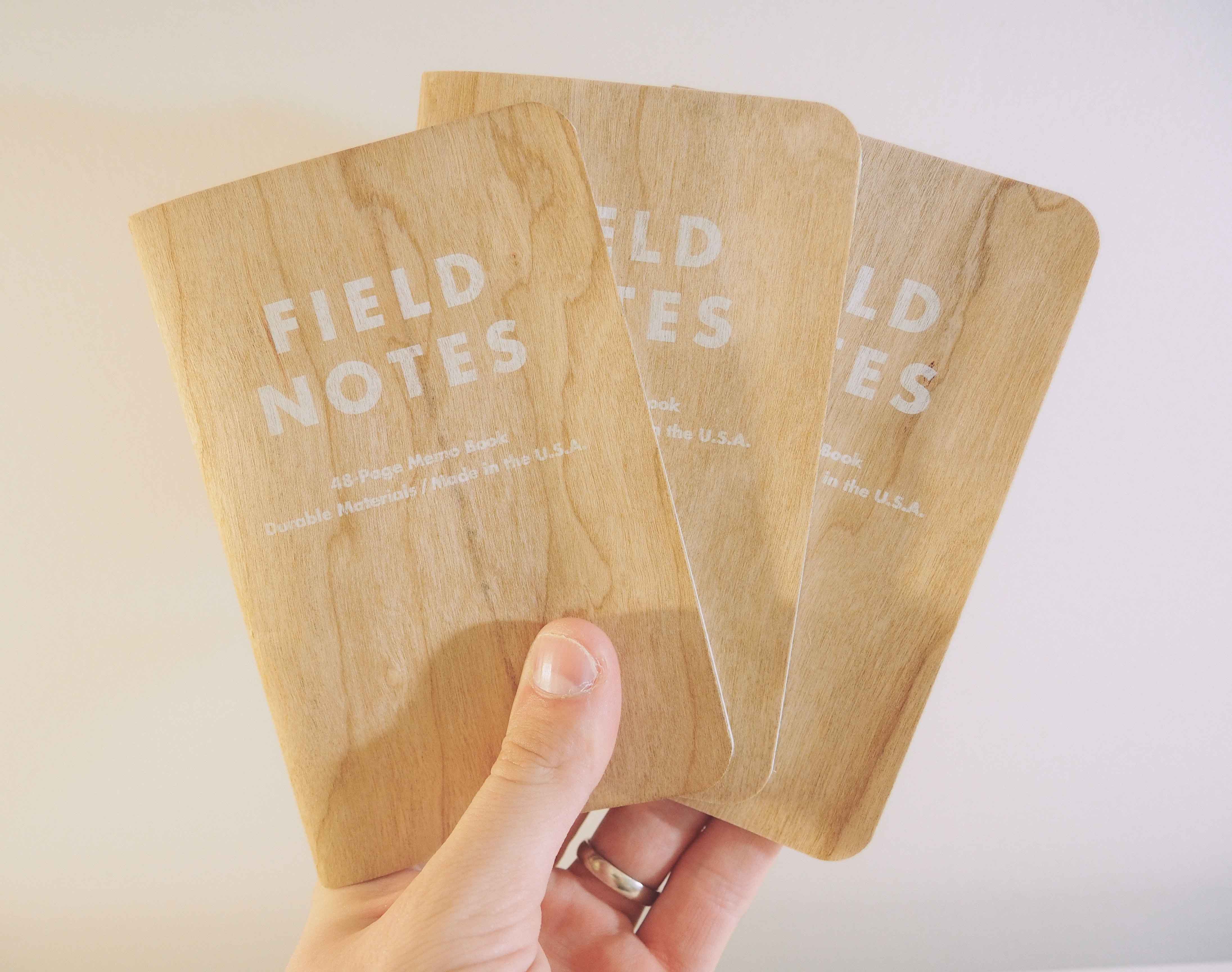
Alas, here is another smattering of links for your Sunday morning reading. I'm really excited about this upcoming week; a few changes are in the pipeline that I'm looking forward to trying out.
It’s easy to get caught up in the “My App Can Do This” race. Overall, I think this race is a good thing. It pushes software innovation ever onward.
It may be surprising, then, to come across an app that can do too much, especially on iOS. Rarely can you find an app that does its job better than its counterpart on the Mac.
Of course, I’m referring to Editorial for the iPad. The Internet has been completely infatuated with Editorial since the app was released in August 2013. From the start, it was easy to see that Editorial proved an iPad could be a better tool than a Mac.
But Editorial isn’t for everyone. At least not right now. Editorial’s capabilities are completely beyond the scope of my knowledge and I don’t have a clue about how to take advantage of its power. I don’t think I’m the only person who finds Editorial a tad overwhelming.
That’s why you can find Byword on my iPad’s homescreen. Byword excels at occupying the middle ground between functionality and simplicity. It's beautiful and simple. It’s not as opinionated as iA Writer and it’s not as hardcore as Editorial.
Oh, and it supports Avenir. How could I not be in love with it?1
Byword
<p data-preserve-html-node="true">Byword is developed by Metaclassy in Portugal. For devout Byworders, there are iPhone, iPad and Mac versions. This allows for seamless syncing of all your written work for all your platforms. </p>
Byword can sync via iCloud or to a Dropbox folder of your choosing. I use Dropbox so that I can access files created within Byword in any other app I choose. This is especially handy if you do want to work within Editorial from time to time or if you want to sync files to apps other than Byword on your desktop. You can also save files locally to your iPad, but I have yet to use this.
Although Byword comes across as simple and minimal, it does house a few power-user features which I use on a daily basis.
First, Byword’s URL actions are awesome. I can jot down an idea in Drafts on my iPhone and fire that idea into Byword when I get home. Then, after I’ve written out my thoughts into a coherent article in Byword, I can send the text to Day One for archiving.2 This has created a nice little writing workflow that keeps all my written work backed up in two different spots and all my ideas funnelled into a predefined process.
For Wordpress, Blogger, Tumblr, Evernote and Scriptogr.am users, there’s even a premium feature that allows for direct publishing to your website. When I used Tumblr on a more full-time basis, I adored this feature.
Second, and my most loved feature, is Byword’s utilization of MultiMarkdown. I can’t stress how much I love MultiMarkdown. Those beautiful Bigfoot footnotes I love to use would be impossible without MultiMarkdown. In fact, I write everything in Byword’s MultiMarkdown before posting to Squarespace.3 It’s the simplest workflow I have found to implement all the formatting I want for The Newsprint. And it all starts in Byword.
Lastly, Byword’s inline Markdown preview is superb. An additional keyboard row with shortcuts to Markdown syntax is situated at the top of the iPad keyboard. Using the extra keyboard row to format your article allows for quick formatting and the inline Markdown preview allows you to see your changes instantly. Byword does have a nice swipe gesture that slides in a Markdown previewer, but the inline preview is generally good enough for me.
At the end of the day, however, you don’t use Byword because of its power features. You use it because it’s dead simple and beautifully minimal.
From the gold accent colour to the full-screen writing experience, Byword emits pure elegance. Typing out an article is enjoyable and distraction-free. The header bar scrolls away when you bring up the keyboard. Byword’s iOS app icon even passed The Wife Test — my wife boldly stated it was her favourite app icon on my homescreen.
Verdict
<p data-preserve-html-node="true">Byword’s beauty is what sets it apart. Editorial is powerful and packed with features that I can only dream of using. Editorial certainly looks great, but without an iOS 7 update and with all the extra menus and buttons, Byword surpasses Editorial in ease of use and design simplicity.</p>
I used Editorial exclusively for the first few months after it was released in hopes that I would use it to become more productive. Despite the productivity benefits, I never wanted to use Editorial. And this was especially the case after iOS 7 was released.
Byword looks right at home in iOS 7 on my iPad. It fits my bill almost perfectly in terms of power-user features and it rewards me with beautiful and simple design.4
This combination of appropriate power-user features and simple design is what makes it the best text-editor for iPad users. Obviously Federico will disagree, but I feel that Byword strikes a middle-ground better than any other text-editor on the App Store. Most people will be able to pick up Byword and instantly know how to use it. Further, they will enjoy using it. I don’t think the same things can be said for Editorial and the general user.
Grab Byword today and see for yourself. I’m willing to bet it’ll be sufficient for your uses and you’ll really enjoy the elegance it imbues.
One must wonder why this site is set in Proxima Nova considering my consistent admiration of Avenir. One day maybe. ↩
My only nitpick with Byword’s ability to send text elsewhere is that it has hidden the “Open In” button two menus deep. I would prefer this option be front and center in the “…” menu button for quick and easy access. ↩
I write in MultiMarkdown in Byword and copy the HTML to paste in Squarespace’s Markdown blocks. ↩
I say “almost” because I really like the quick Google Search workflow within Editorial. If Byword had this, my life would be complete. ↩
Moleskine has begun to market itself as being at the forefront of the “analog-digital continuum.” In 2013, it subtly revised the story in the booklet that comes with its products: “Moleskine accompanies the creative and imaginative professions of our time: it represents, around the world, a symbol of contemporary nomadism, closely connected with the digital world.” This has a very utopian ring, but it’s sort of hard to tell what exactly it means.
In April, 2013, Moleskine went public in Italy, the first I.P.O. to enter the Milan bourse in over a year. It positioned itself not as a stationery brand but as a luxury-goods company—the reasoning being that “luxury goods” sounds much better to investors than “stationery.”
I understand that Moleskine may be of higher quality and have a well-conceived brand image, but too many things work against Moleskine in achieving this image.
First, and correct me if I’m wrong, but “luxury” and “ubiquity” rarely go hand-in-hand. Luxury, to me, means high quality and unique ownership.[1] By this definition, if a product can be found at most retail stores and if many people use the product, luxury is eliminated from the get-go.
Second, luxury isn’t luxury without design genius. If a product is over — or under — designed, the product can’t be luxurious. The product must emit comfort in order to be luxurious.
So, in that regard, I don’t know if Moleskine’s digital attempts are the future of “digital stationery”. Nor do I believe Moleskine’s version of digital stationery is luxurious. If anything, having to take a photo of each page adds a step to the process and makes books convoluted and complex. Writing notes and keeping a journal need to stay simple so as to maintain routine and eliminate friction. I think Mod Notebooks are on a better track to introduce the digital to the analog, but even their model may be flawed.[2] Friction and complexity do not exude comfort and, as a result, eliminate luxury.
Moleskine is by no means missing the mark — they are experiencing revenue growth year over year. One has to wonder, though, about how missions, visions and values work for or against the company’s goals. If Moleskine defines itself to impress investors, yet releases a product line inconsistent with that vision, at what point does the two-facedness hinder quality and value?
A house divided usually falls. For Moleskine’s sake, I sure hope it doesn’t.
The best argument against this is Apple’s iPhone. Many would consider the iPhone to be a luxury product. Apple certainly shoots to put the iPhone into the hands of every person on the planet. However, if every person did have an iPhone, would you look at your own iPhone as a luxury good? Would you feel that your iPhone emits comfort, extravagance and elegance (the very definition of the word “luxury”) in the same manner as if you were the only person on the planet who owned an iPhone? I don’t think so. Exclusivity is paramount to the perception of luxury. ↩
The very thought of having to ship the notebook away for a few weeks before receiving a digital copy is petrifying to me. My journals and notebooks are a collection of personal thoughts and ideas. Putting those books in the hands of some digitizing jockey may lead to my “brilliant” ideas plastered in the bathroom stall. This isn’t my idea of a perfect plan. At least not yet. ↩