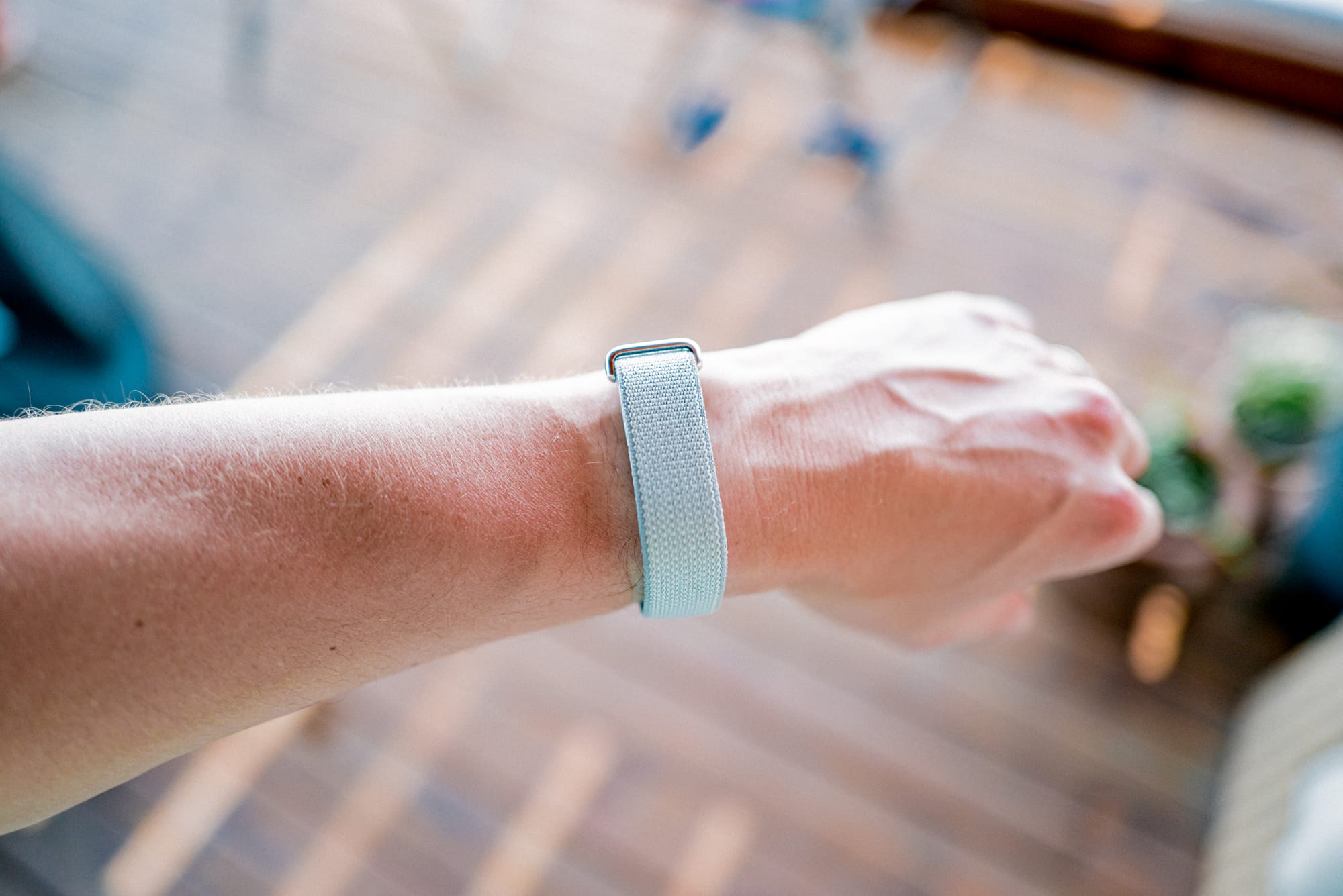
I have never pre-ordered a product as fast as I pre-ordered the Google FitBit Air. No Apple product. No Bellroy product. No Harry Rosen product. I didn’t do any research. I saw the header image, noted it was a Whoop-competitor, and ordered. The fastest and most alluring pre-ordered product in my life is a Google product, and it happened to be the first Google product I’ve ever owned.
As a very heavily invested Apple customer, I quickly treasured the opportunity to compare the two tech behemoths. Each of these companies produce more than a product — they produce an experience, from the packaging and unboxing experience, through to the setup experience and the usage experience.
The Google FitBit Air is my first chance to compare this set of experiences. Its simple purpose (health and fitness tracking) combined with its accessible price tag (only $100 USD/$130 CAD) made for a perfect opportunity to dip my toe in the ocean.
I have some thoughts.
On Unboxing Experiences
My experience with Apple product unboxings ranges from those years of plastic shrink-wrapped boxes through to the current system with a pull tab or two. Familiarity helps to ensure I know what I’m looking for in a new Apple box, so I’m always looking for those pull tabs from the start.
I didn’t know how to handle a Google box. The FitBit Air comes in a tiny box. I flipped it around and over a few times looking for the pull tab but, oddly, didn’t find anything immediately obvious. After a few moments, I decided I’d try to tear the box gently open. I haven’t torn an Apple box in years. (I did ultimately find the tab and kind of slapped my head for missing it.)
Inside, the FitBit Air wristband was wrapped around a kraft coloured holder in the box. Various parts of the FitBit were wrapped in a translucent wrapping, very akin to the wrapping around chargers and cables inside Apple boxes.
Documentation was in the box as well — a thick notebook, which seemed to amount to warranty information and various QR codes to scan. It’s thick! I haven’t seen a little notebook like this from Apple ever.
This unboxing experience — probably my fault to an extent, due to unfamiliarity — set me on the wrong path, in my opinion. From the onset, I felt the experience was cheaper than Apple’s; less attention has been given to details, and this box is far, far easier to chuck in the garbage.
On First Wear and Setup Experiences
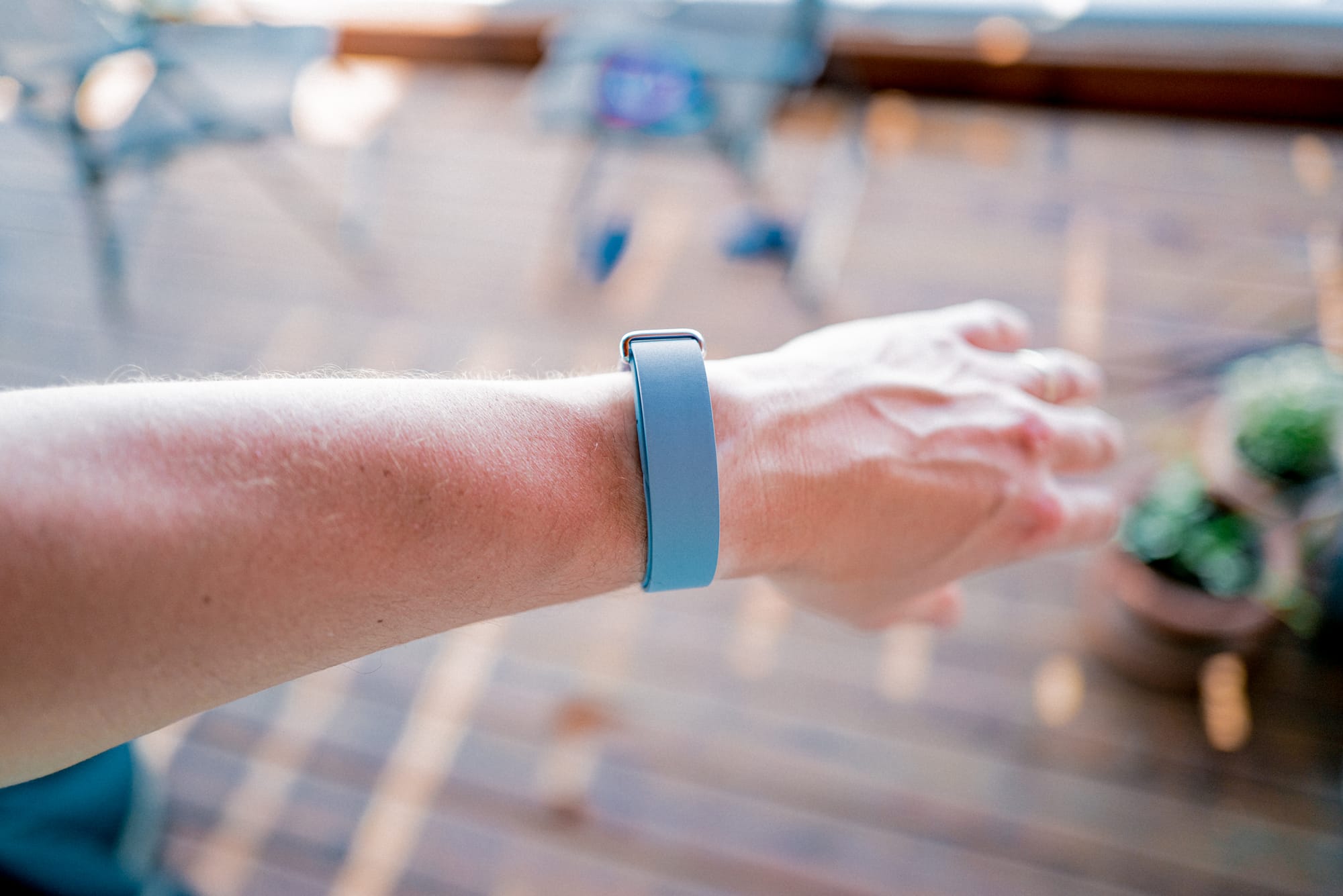
I’m going by memory here, but the initial FitBit Air setup also had some differences from my experiences with Apple products. I had zero issue with Bluetooth connection to my iPhone, though this was just a “simple connection” — there weren’t any specific custom popover views like you would get with a pair of AirPods or the Apple Pencil on iPad (I’m well aware this is a Google product connecting to an Apple product; those first-party experiences shouldn’t be expected when going cross-platform).
Where things really differed was in the dreaded “update before you use experience”. After downloading the Google Health app and initially connecting, I had to hold the FitBit Air close to my iPhone while a mandatory update hit the FitBit Air before I could use it. I’ve grown so used to not having to update a device the moment I unbox it.
Shades of updates-past. I thought we had grown past this insanity.
On Syncing Data Experiences
Though I’ll talk more in depth at some point about the FitBit Air’s syncing differences (I won’t call them “shortcomings”, as I expect my issues are cross-platform based and not limitations), I’ve been surprised at the FitBit Air’s lack of integration into third-party apps and accessories. The FitBit Air is supposed to be a health and fitness tracker, but I can’t have it properly connect to any app or service or accessory outside the Google Health app itself.
Take the Peloton Bike for example. Am I crazy to think the Peloton Bike would be a perfect accessory for the FitBit Air to feed data into and receive data from? I have been able to see the FitBit Air and connect (I think it was connected, at least), but heart rate data doesn’t feed into the Bike, and no data apart from “Workout” ended up inside Google Health. No cardio load, no cardio zone information — nothing. Just “Workout”.
I have done some — borderline a lot — of research as to how the FitBit Air syncs to various services. Early on, I read there should be no issue connecting to the Peloton. I also read how you can transfer data through Apple Health into Google Health, and then use Google Health Premium’s AI features to act as a proper coach for you. What I’ve experienced are poor to no data sync, limited data transfer, and a Google Health Premium AI coach that says I worked out strenuously during my Wednesday evening round of golf.
Ha! “Strenuously.”
Overall, my first experiences with a Google product have been, well, different. So far, my experiences remind me more of those early years of trying to connect various accessories and softwares to a Windows computer, wherein you’d have to update and duct tape your way to a result. In Apple land — yes, I recognize there are some hiccups — things just tend to work. Seamlessly. Without thinking.
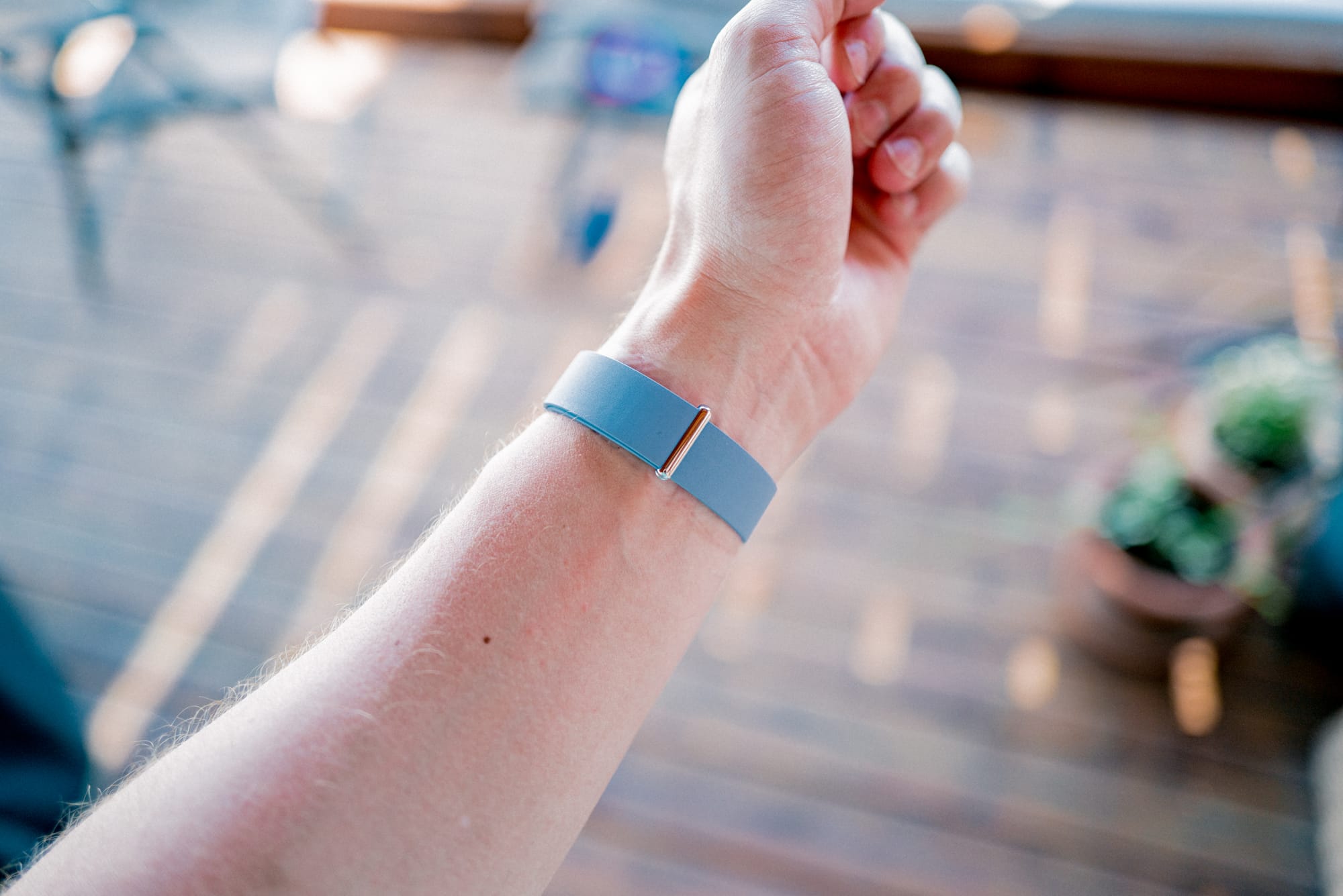
The promise of the wide world outside Apple’s cemented garden of Eden has always been one of flexibility, functionality, and customizability. Perhaps this is the case. The FitBit Air, though? Yeah, no. My experiences have been torn, intermittent, and rigid.
I don’t expect the FitBit Air to fit. If you know what I mean.