Happy New Year, everyone! Last year, in the last Sunday Edition of the year, I named Superhuman my 2024 app of the year. Superhuman’s ability to revamp how I thought of email. It decimated my email list, made email fun in many ways, and became so good at its job that I found myself not needing it anymore. I don’t use Superhuman anymore — that $40/month subscription is not for the feint of heart — but I stand by it to this day as the best email app on the market.
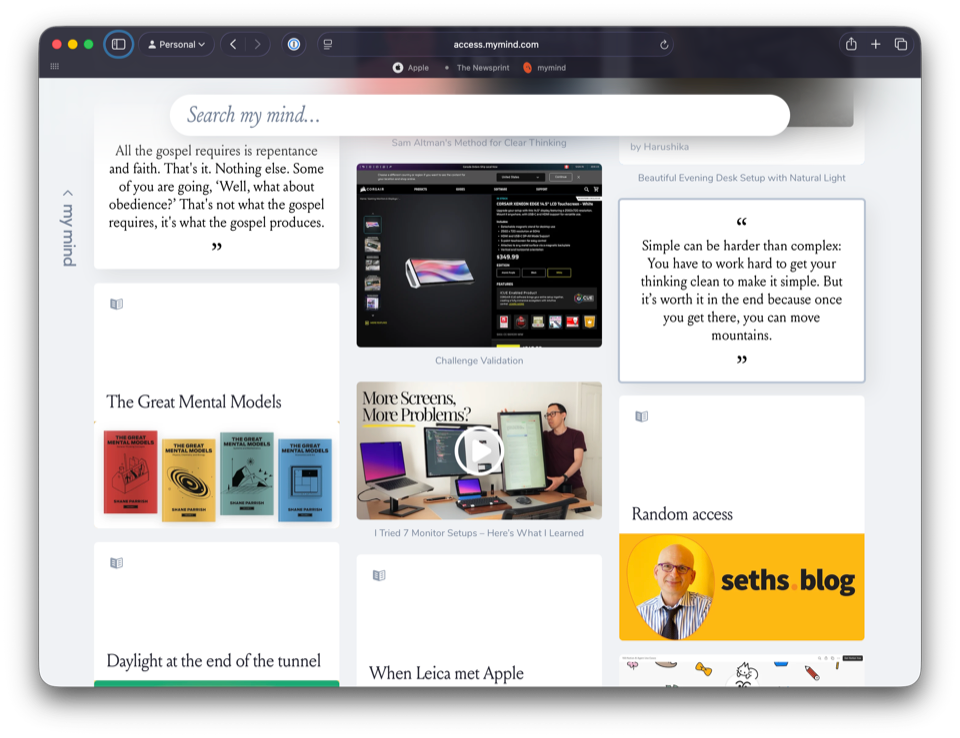
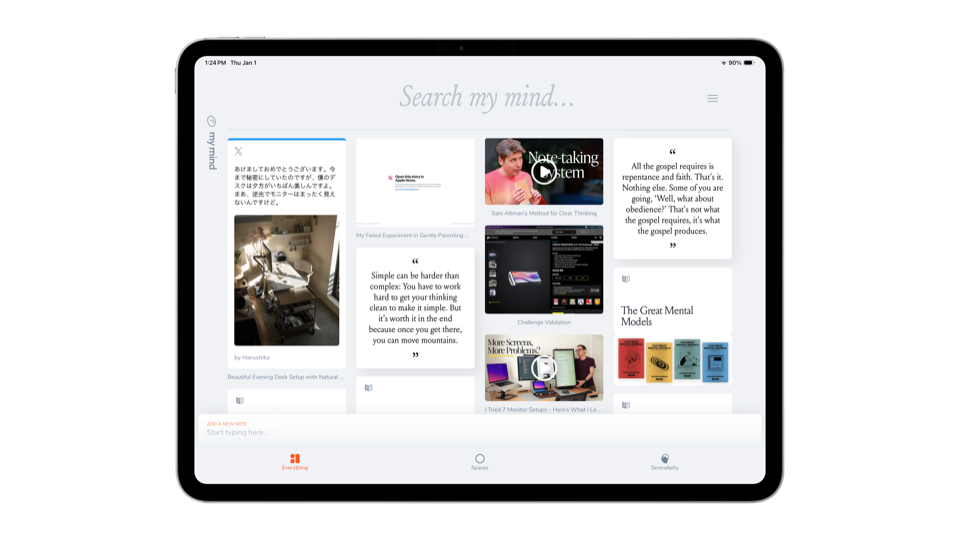
For 2025, I was looking for an app on my devices that had as big an impact as Superhuman had in 2024. And I didn’t have to look hard — no app has had a more meaningful impact on my software toolkit in 2025 than MyMind. MyMind has satisfied every archiving, pinning, saving, and storing itch I previously endured. The app’s beautiful design stands above any other “save-later” app out there, and its ease of use is completely unmatched. MyMind is utilizing AI in a unique and genuinely helpful way. The app is extra fast. The extension is beautiful and easy to use.
There is an endless list of good things to say about MyMind.
Here’s the best compliment I can give it:
Midway through 2025, after four or five months of using MyMind, I found a somewhat-competing app I thought might be able to replace MyMind for a fraction of the cost. I used that app for a month or so. Throughout that month, I would add something to the competing app, and I would add it to MyMind. I couldn’t let go of MyMind. I was unable to overcome MyMind’s design and ease of use. MyMind is so good, I left and came back.
I don’t think I’m going to be making that same mistake again.
The three core reasons I like MyMind:
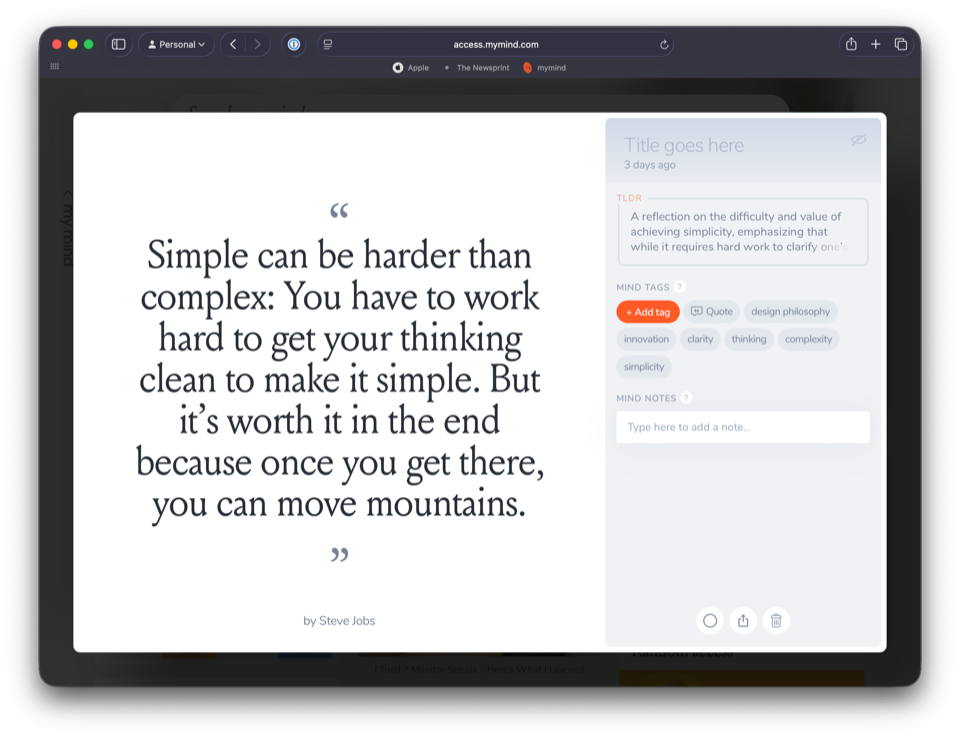
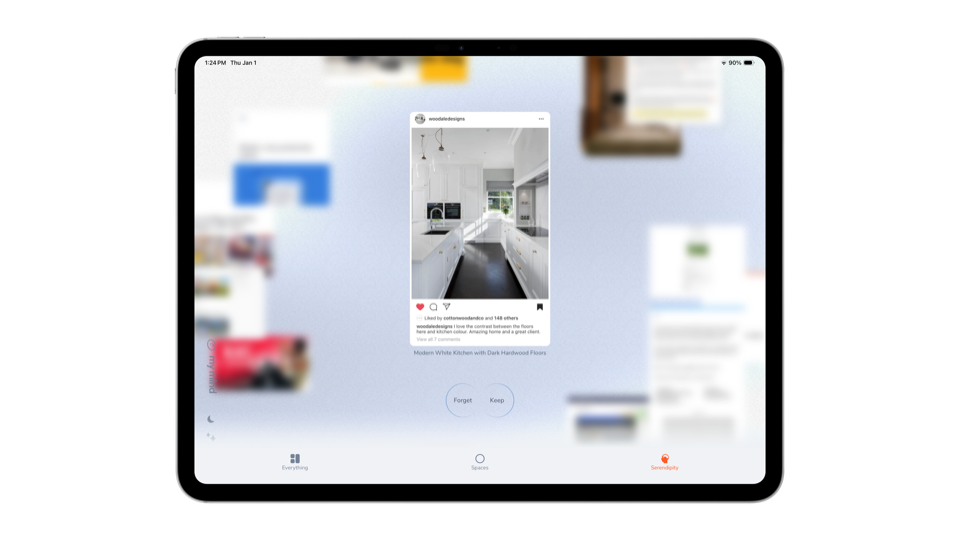
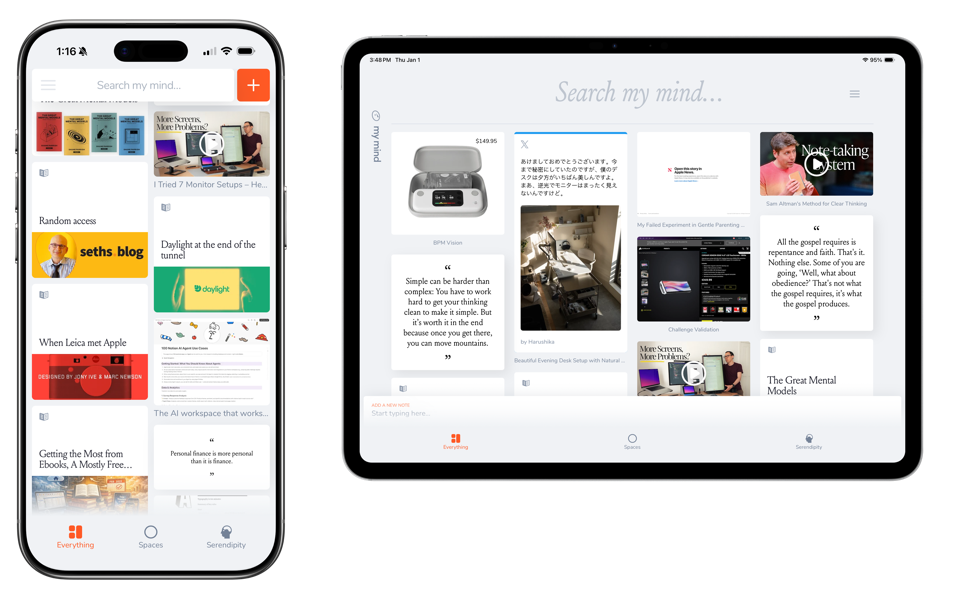
- Design — MyMind is magically simple, beautiful, and useful, all in one handful. There are features hidden all over the app for you to discover if you need them, or for you to ignore if you don’t. I love the customization and efforts put behind each individual type of item saved, making for a charcuterie board of thoughtful clippings.
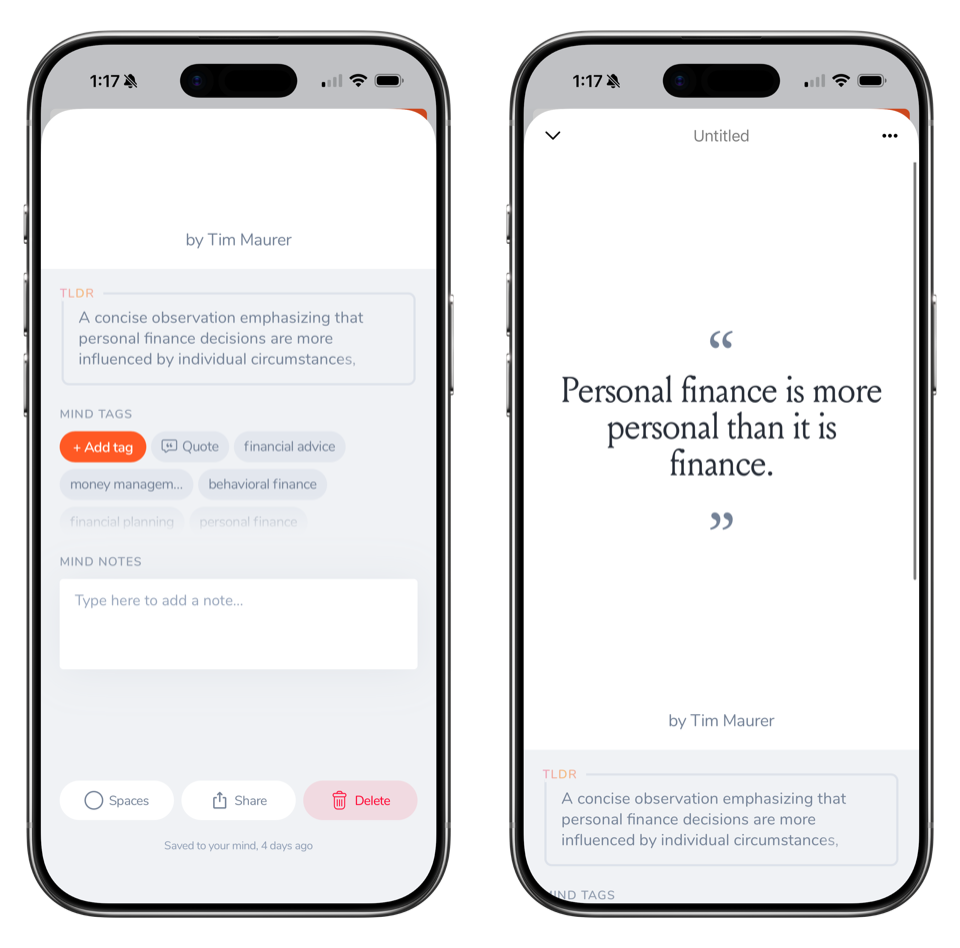
- Ease of use — You can likely water MyMind right down to two individual actions: saving and searching. You can save just about anything in the app, and the giant search bar at the top of the main view invites you to search for anything on your mind. Everything in the app just works beyond this. Tagging is automatic. Structure is automatic. Styling and design is automatic. It’s a true save-and-forget-it kind of app.
- Expanding feature-set — 2025 seems to have been a momentous year for the MyMind team, with product cards being introduced, note and backlinks developed, and useful AI features applied across the app. Not only is the app useful as it is, but its expanding feature-set invites an increasing amount of work and saving in the future.
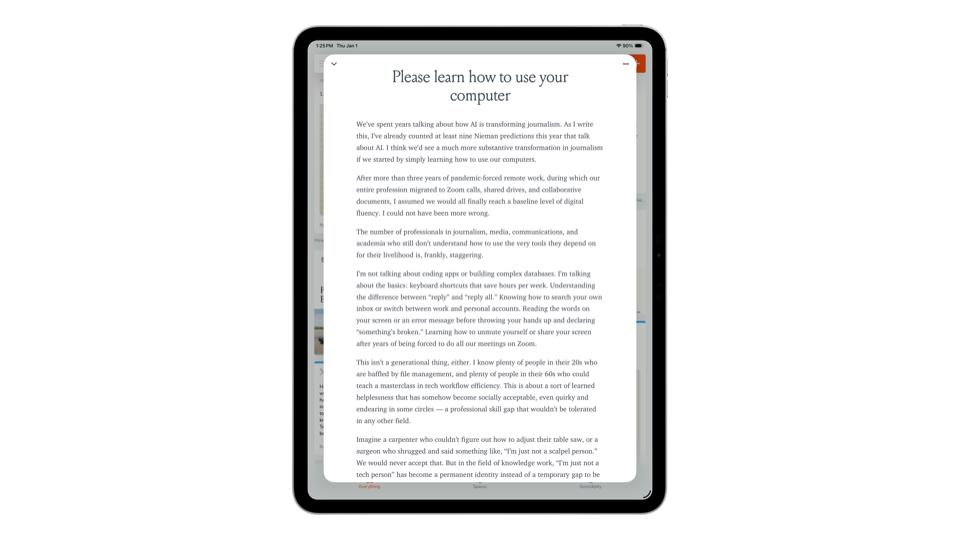

How people use MyMind will likely differ, too. I don’t feel MyMind is like, say, Things 3 — Things 3, you save tasks, build out projects, and work through your “get-things-done” system.
Conversely, MyMind has a wide range of potential functions. MyMind can be used quite simply as a personal pinboard. It can be used as a note-taking app — an increasingly useful set of note-taking features has MyMind particularly useful for jotting down thoughts. MyMind could be used as a personal journal, as an archive, as a read-later app, or as a quote book. And best of all, it seems the MyMind team is moving the app increasingly towards a true “second brain” option.
Here’s How I Use MyMind
I use MyMind first and foremost as a personal pinboard, wherein I save everything I want to reference later. This means everything: interesting links, products, PDFs, quotes, books, book reviews, important highlights, YouTube videos, interesting tweets or threads, images, and more.
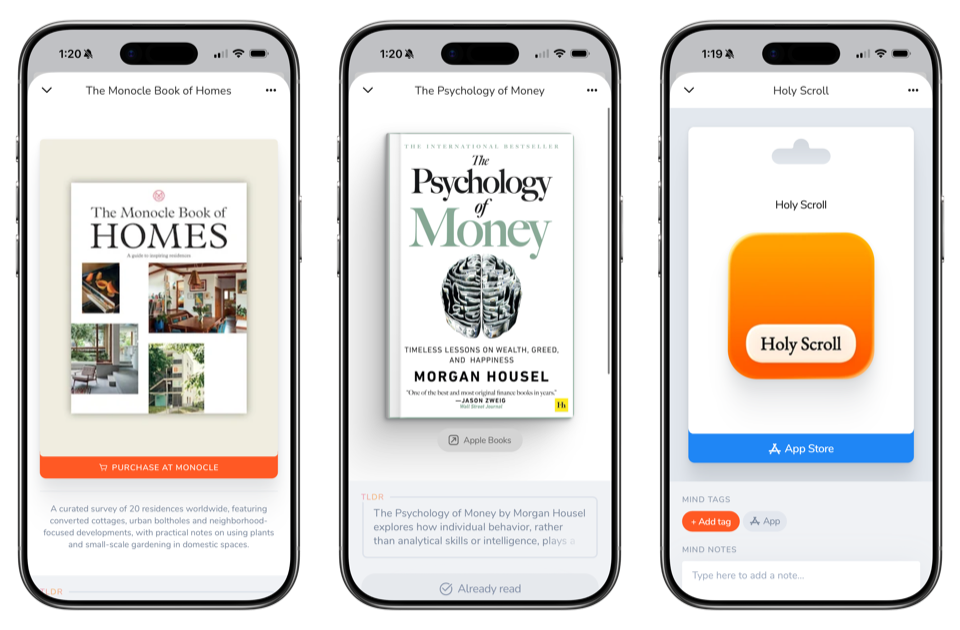

I then use the chronological saving order for inspiration to post to Fresh Links or The Sunday Edition, or I will use the app to find other things that may relate to something I’m posting on the blog. MyMind’s saving features are also particularly useful for finding, say, a product to share with a friend, and then finding competing products you’ve found in your research.
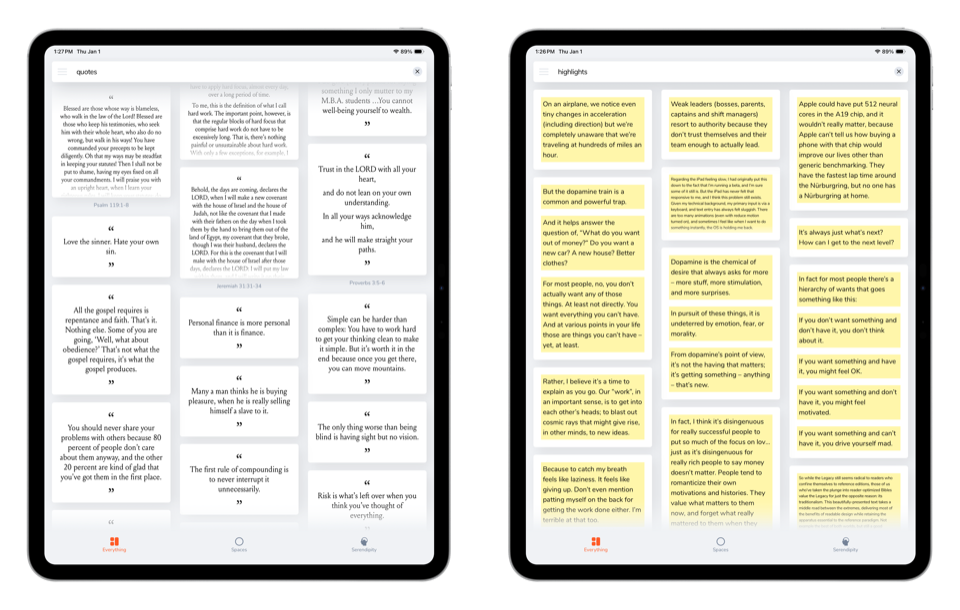
Most recently, I’ve adopted a more robust highlighting workflow within Readwise, Readwise Reader, and Kindle, but absolute stunners always end up in MyMind as well. Now and then, doubling up my highlight saves is extra work — if the highlight happens to come through in a PDF on my reMarkable, getting it off the reMarkable and into MyMind usually requires an extra step or two. Overall, though, the process of saving highlights into MyMind is painless.
It’s especially painless thanks to MyMind’s Chrome extensions and integrations on Mac. Like any good saving app, you can save any link you come across in Chrome directly to MyMind, and it saves near instantly. But there’s more inside Chrome, too: You can read through an article in Chrome, highlight text you want to save to MyMind, right-click and send that highlight straight to MyMind. MyMind will format the highlight as a highlight (which is different from a quote or a regular note), and you can stay right within the reading environment without any extra work in MyMind.
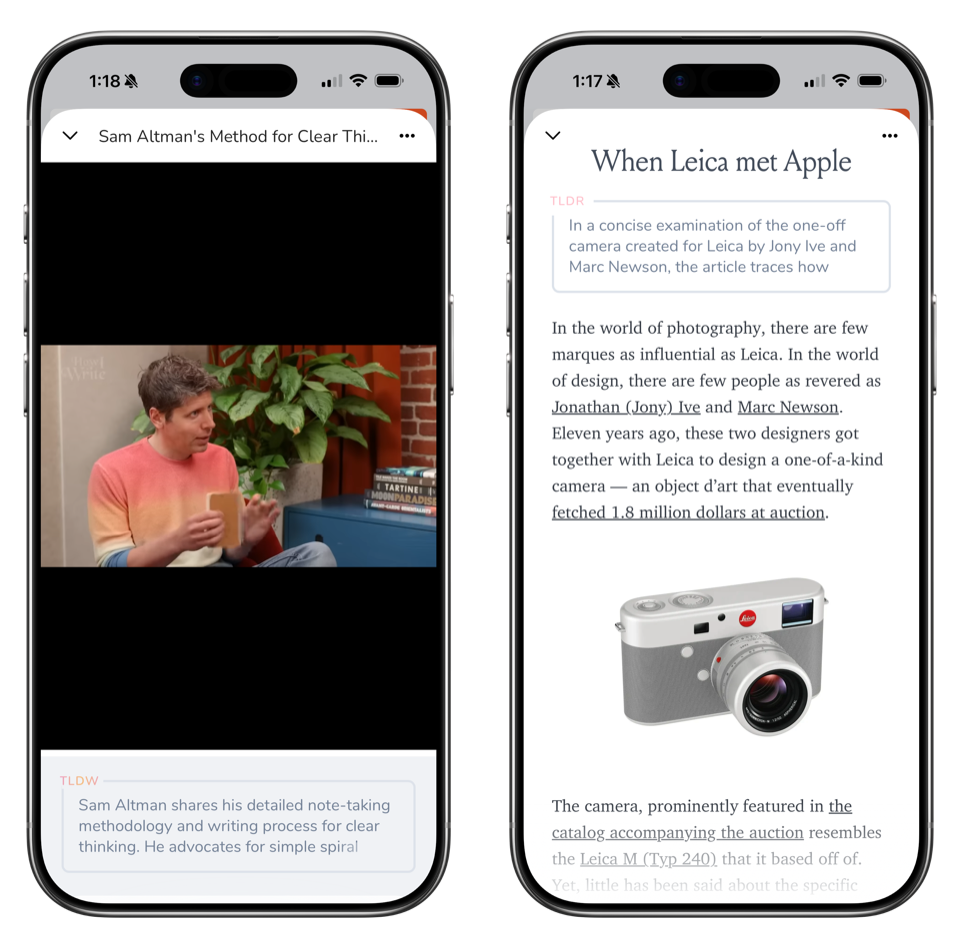
The same goes for iOS, of course. The sharing feature in MyMind’s iOS app is beautiful, seamless, and perfectly functional — I haven’t had a misfire on any saving on iPhone or iPad. The ability to send highlights directly from Safari in iOS to MyMind isn’t available like it is in Chrome on the Mac, but perhaps they can build this in the future.
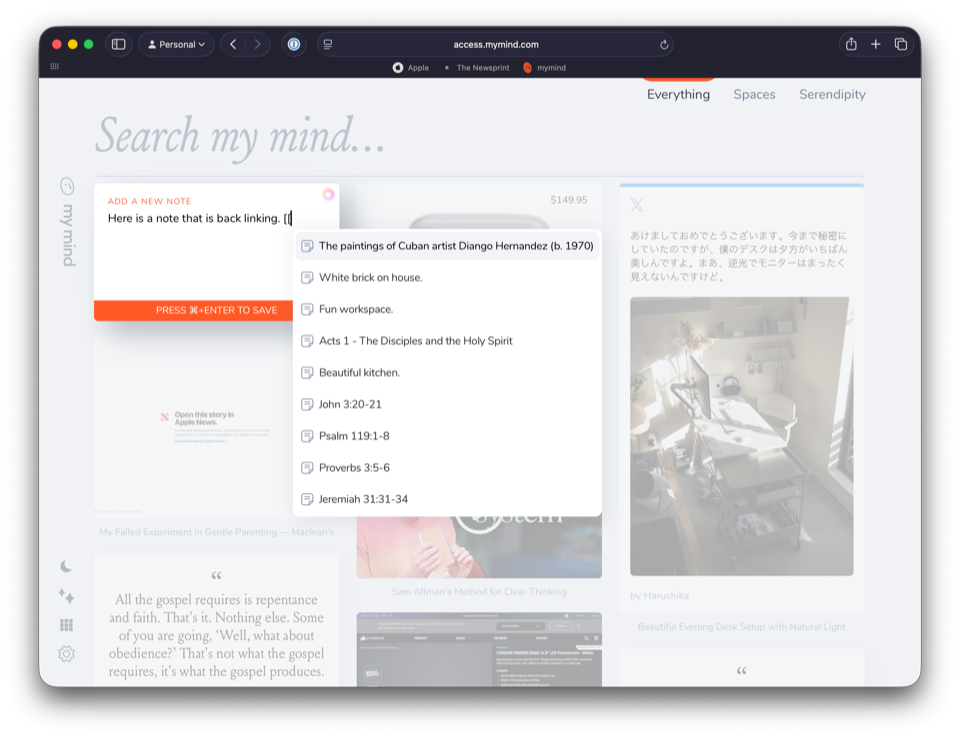
Finally, and most recently, the MyMind team has expanded the app’s note-taking features to include Markdown support and the ability to back-link to other notes or items in your MyMind. The potential implications of this could be huge for certain people — the ability to save your research and then build out your research by linking across all your sources could have lasting second brain consequences for knowledge management workflows. For now, as far as I can tell, this is only available in the web app, but I imagine it’ll expand far beyond the web app in 2026. I’ll also be looking to keep an eye on whether you can link to certain, say, clauses or sentences or blocks in certain notes, rather than a broader note itself. The more granular you can become with these types of note-taking workflows, the better.
Wrap Up
MyMind is as close to a perfect personal pinboard and save-later app I’ve ever come across. For whatever reason, I feel like I’ve burnt through all of them — Keep It, Anybox, to a degree Craft, Recall, Apple Notes, and more. MyMind is, simply put, the best saving app there is available right now.
It comes with a price tag, of course. At $12.99/month (USD) or $129/year, this is on the more expensive side of saving apps. I imagine it’ll give more than a few people pause.
My understanding is the MyMind team is small. And I don’t believe they have fallen prey to any of the big money ventures out there. Right now, MyMind feels safe from the whole “en-crapp-ification” thing people like to talk about (I neglect to cuss on this site). And, above all else, MyMind seems to be moving at a breakneck pace. Every time I take a look at the changelog, there’s something new and exciting to try out.
I feel I have ample reason to pick MyMind as my app of the year for 2025. It’s been the most impactful app on my personal life — just slightly more than Readwise and just slightly less than BlueJ has had on my work life. MyMind has removed any mental overhead caused by the great stuff I find and read each day.
I can’t wait to see where MyMind goes in 2026.